This post demonstrates using Product Attributes to adjust the price associated with a subscription Asset purchased by a customer using the Asset Amendment function.
Asset amendments within Revenue Cloud are typically associated with quantity adjustments. For example we have a scenario where a customer buys a subscription service with a number of seats represented by the quantity value of the Asset associated with service. During the lifetime of the service the customer wishes to purchase some additional seats. This is facilitated by an amendment to the Asset recorded against the customer where a change in quantity is made via a quote or an order resulting in the Asset record being updated with the new number of seats.
If however we wish to maintain the asset quantity but instead adjust the ongoing price associated with an Asset to allow for migrating to an enhanced subscription service we can use Product Attributes in conjunction with Asset Amendments.
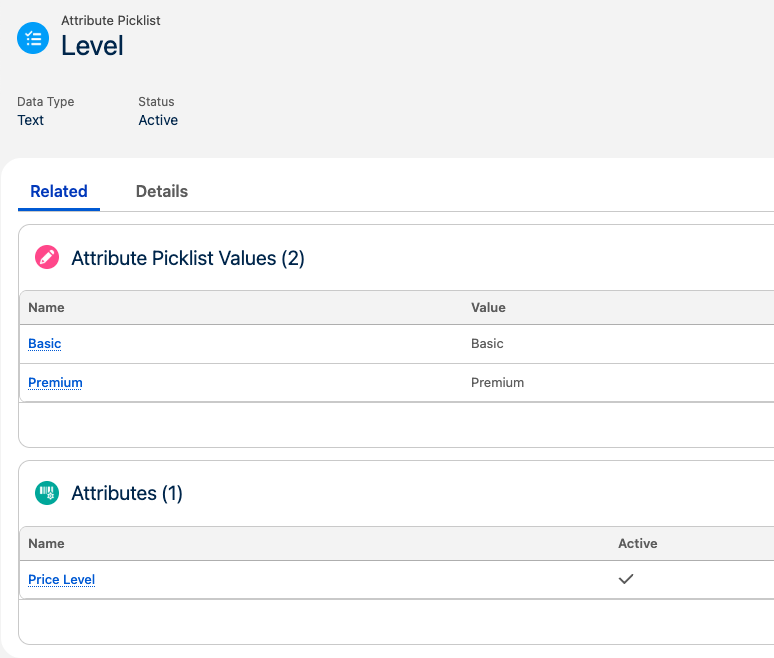
Firstly we will create an attribute, Price Level, with 2 values, Basic and Premium.
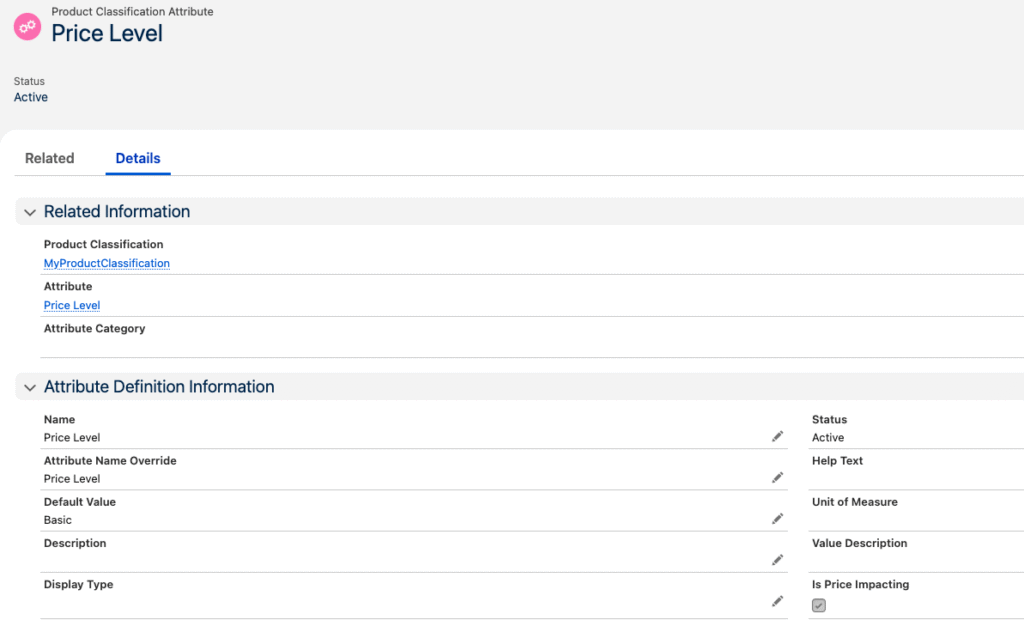
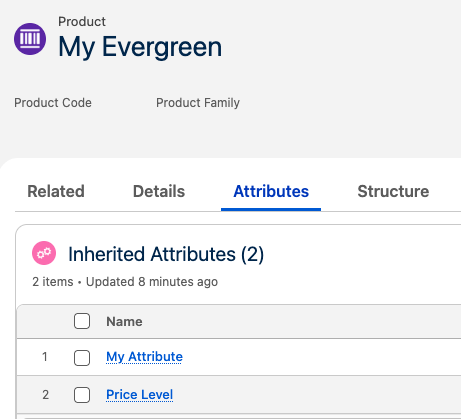
We will assign this attribute to our product, My Evergreen, and we will mark the Attribute as price impacting.
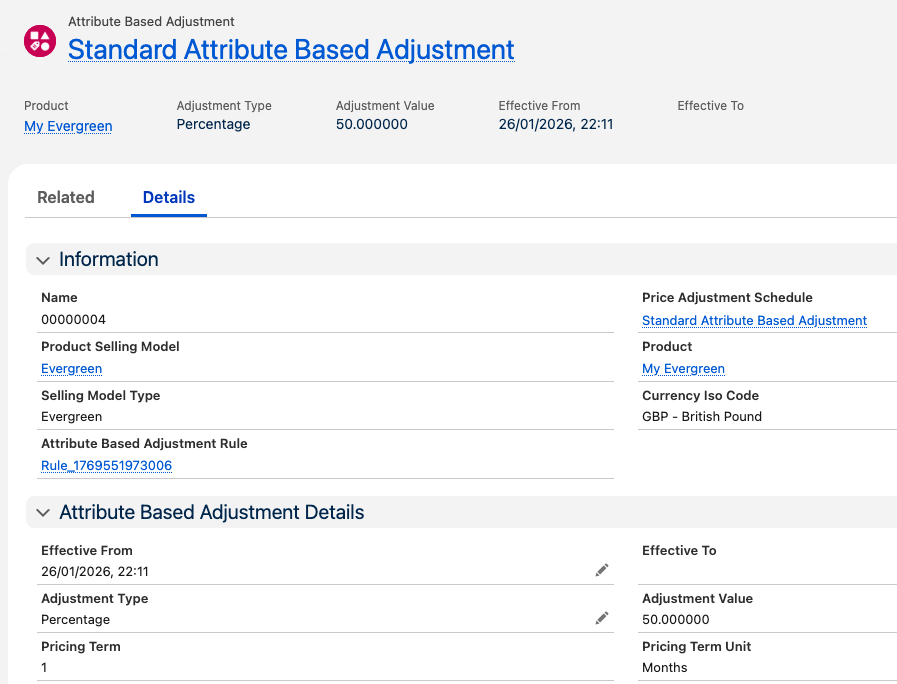
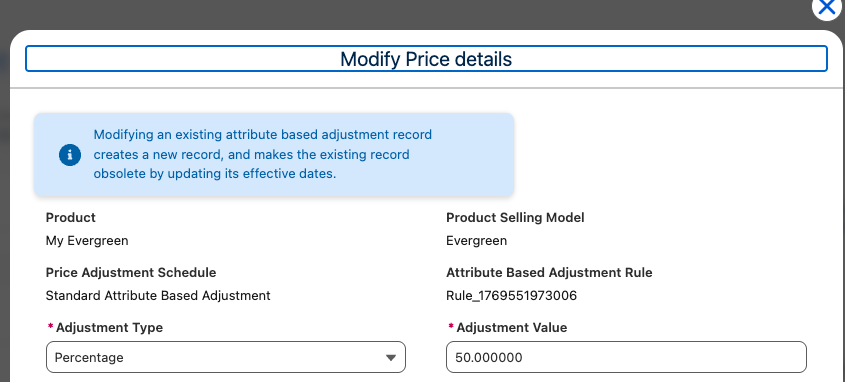
We will then create an Attribute Based Adjustment against our product, My Evergreen, with the attribute value of Basic producing a 50% price adjustment
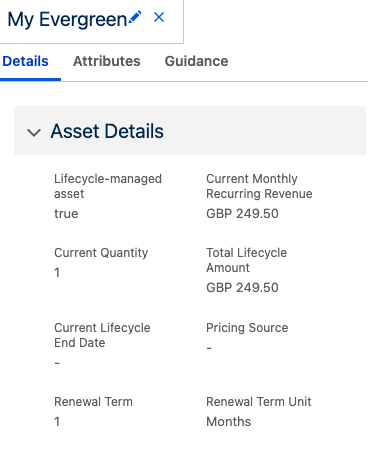
When we now quote for our product, if we configure Price Level attribute as Basic we see a price of 50% list price – £249.50.

If now create and activate an Order from this quote we create our product asset which shows this price.
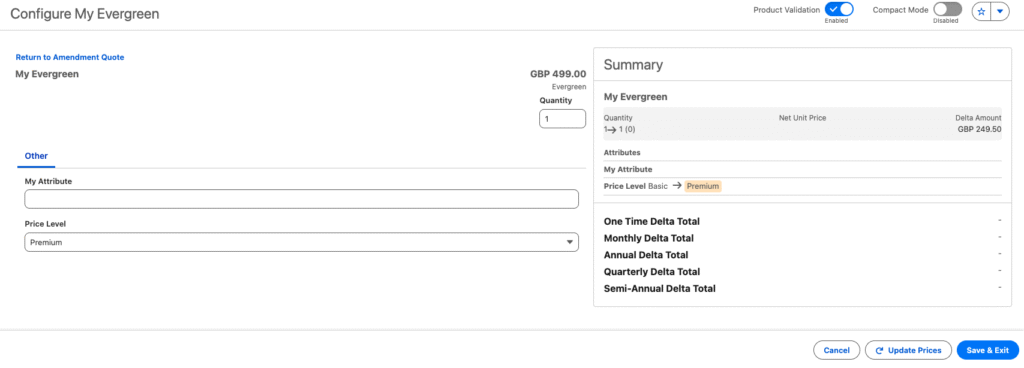
We can now create an amendment quote against this asset and from this we configure our product, My Evergreen with the attribute Premium. This now adjusts the price to £499.
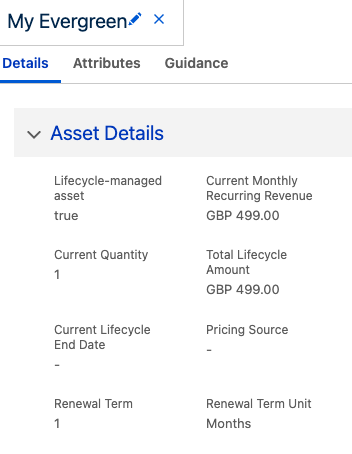
Activating this Order now updates the asset and we can see the amended price of £499.
And against the Asset record we can see the related Asset Action records which records the upsell that we have just performed.
